Why your Iqama expiry date matters
In Saudi Arabia, your Iqama is far more than an ID card — it is the key that unlocks daily life. It links directly to your bank account, your mobile SIM, your ability to sign contracts, and your right to travel in and out of the Kingdom. When it lapses, those services can be suspended quickly, sometimes within days of the expiry date.
For most company-sponsored workers, the employer is legally responsible for paying the renewal. In practice, though, employers manage many staff at once, and a single missed date can become your problem at the airport or the bank counter. That is why it pays to know your own expiry date and check it a few times a year rather than assuming it is handled.
Method 1: Check through Absher
If you already have an active Absher Individuals account, this is the most complete way to see your Iqama details, because it also shows your full profile and any linked dependents.
- Open the Absher app or go to the official website and sign in with your username and password.
- Enter the one-time code (OTP) sent to your registered mobile number to complete login.
- From the dashboard, open My Services, then look under the documents or residency section.
- Select your Iqama record. The expiry date is displayed alongside your Iqama number and personal details.
- Note both the Hijri and Gregorian dates shown so you can plan your renewal.
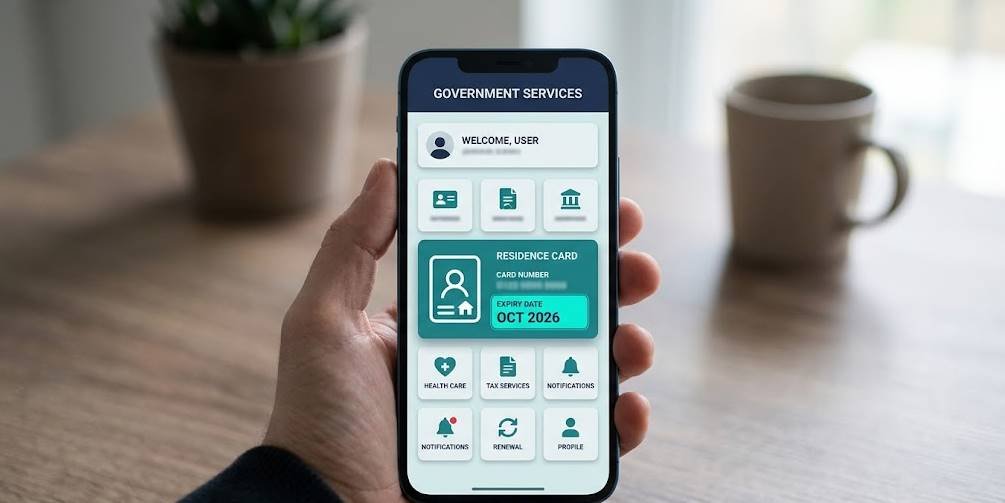
Method 2: Check through MOI (no login needed)
Don't have an Absher account, or just want a quick look? The Ministry of Interior runs a public inquiry service that shows your Iqama expiry without any sign-in. This is the fastest option when you only need the date.
- Go to the official Ministry of Interior e-services portal.
- Find the residency (Iqama) expiry inquiry service in the public services list.
- Enter your Iqama number in the required field.
- Type the captcha / image code exactly as shown to confirm you're not a bot.
- Submit, and the service displays your Iqama validity and expiry date on screen.
Method 3: Muqeem (for sponsors and companies)
Employers and sponsors who manage several workers usually use the Muqeem portal. It lets a company look up the Iqama validity of all sponsored employees in one place, which is handy when you need to plan multiple renewals at once. As an individual employee, you generally won't log in here yourself, but it's worth knowing your HR department can pull your expiry date and a fee summary from Muqeem if you ask.
Reading the date: Hijri vs Gregorian
This is the single most common point of confusion. Your Iqama validity is officially calculated on the Hijri (Islamic lunar) calendar, which is about 10 to 11 days shorter each year than the Gregorian calendar most expats are used to. So an Iqama that looks like it expires "around March" on your phone calendar may actually fall a little earlier than you expect.
| Calendar | Used for | What to remember |
|---|---|---|
| Hijri | Official expiry record | This is the date the system counts from |
| Gregorian | Your planning | Shown for convenience; can drift vs Hijri |
The safe habit is simple: always renew a little earlier than the Gregorian date suggests, so the shorter Hijri year never catches you out.
What to do if it's expiring soon
If your check shows the expiry is close, here's the practical order of action:
- Tell your employer now. For sponsored employees, they pay and process the renewal, so give them lead time.
- Clear outstanding fines first. Unpaid traffic or other violations can block the renewal until settled.
- Check your passport validity. Renewal usually requires a passport that is still valid for a reasonable period.
- Confirm your health insurance is active. Valid insurance is part of the renewal requirements.
For the full cost picture, see our breakdown of Iqama renewal fees for 2026, and if you've already passed the date, read how the late renewal fine works.