Status vs expiry — what's the difference?
People often use these terms interchangeably, but they're not the same. Expiry is simply the date your residency ends. Status is the bigger picture: whether your Iqama is currently valid, expired, or flagged because of something like an unpaid fee or a sponsorship issue. Checking status tells you not just when your Iqama ends, but whether anything is wrong with it right now.
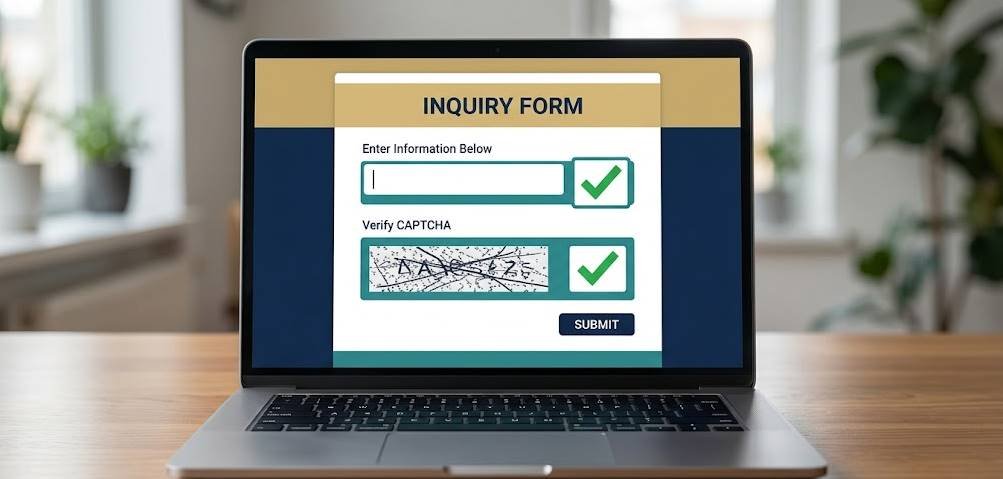
Method 1: MOI inquiry service (no login)
This is the fastest check and needs no account.
- Open the official Ministry of Interior e-services portal.
- Find the residency (Iqama) inquiry service in the public services list.
- Enter your Iqama number.
- Type the captcha shown on screen.
- Submit to see your Iqama validity and status.
Method 2: Absher
If you have an Absher Individuals account, signing in gives you the most detailed view of your residency, including linked services and dependents. Open My Services and look under the documents or residency section to see your Iqama record and its current status. This is also where you'd go to act on anything — renewals, updates and more.
Method 3: Muqeem (for sponsors and companies)
Employers use the Muqeem portal to view the residency status of every worker they sponsor in one dashboard. If you're an employee, your HR or government relations officer can pull your status from Muqeem if you ask — useful when you need confirmation in writing before, say, travelling or changing jobs.
What an "invalid" or flagged status can mean
If your check shows something other than a clean, valid result, don't panic — but do investigate. Common reasons include:
| Indication | Likely cause |
|---|---|
| Expired | Renewal is overdue — act quickly |
| Not renewed | Employer hasn't processed it yet |
| Blocked / on hold | Possible unpaid fee or sponsorship issue |
If you see a problem, the next step is usually to contact your employer's government relations team and to clear any outstanding Iqama-related fines that may be holding things up.