Why you need an Absher account
Absher is the gateway to almost every government service you'll use as a resident of Saudi Arabia. With an active account you can check and renew your Iqama, issue exit re-entry visas, view and pay traffic fines, manage dependents and much more — all without queuing at an office. Setting it up properly once saves you countless trips later, which is why this is one of the first things every new resident should do after getting their Iqama number.
What you need before you start
| Requirement | Notes |
|---|---|
| Iqama / ID number | Your residency number |
| Mobile number in your name | Must be registered to your own ID for verification |
| Email address | For account notifications |
| A username & password | You create these during sign-up |
Registration steps
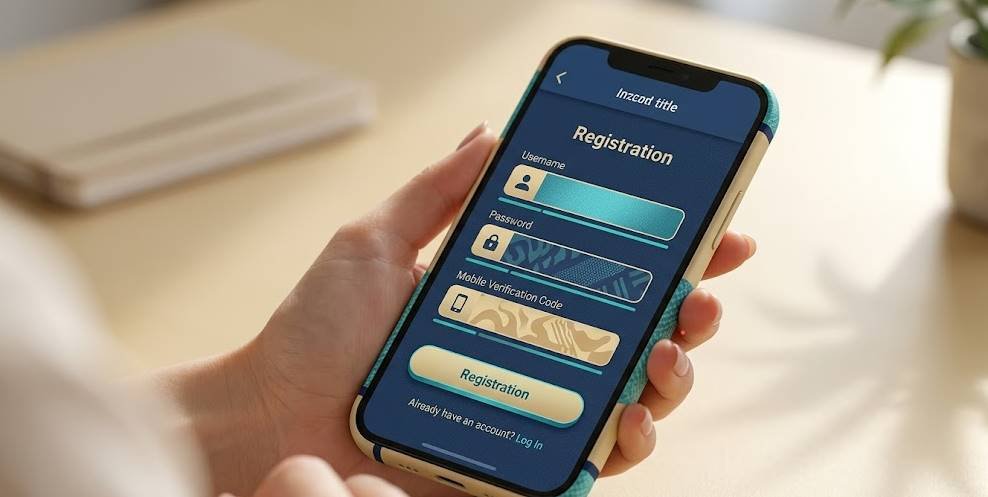
- Download the official Absher app or go to the official website.
- Choose New User / Register and select the Individuals account type.
- Enter your Iqama / ID number and the details requested.
- Create a username and a strong password.
- Enter your mobile number and confirm the verification code sent to it.
- Add and confirm your email address.
- Review and submit. Your account is created, pending any activation step.
The activation step
Creating the account isn't always the final step. Depending on your situation, Absher may require a one-time activation to fully unlock all services — sometimes done through a self-service kiosk, an ATM-style machine, or in person. This verifies that the account genuinely belongs to you and protects against fraud. Once activated, your full range of services becomes available. We cover this in more detail in our guide on how to activate your Absher account.
If registration fails
If you can't complete sign-up, the cause is usually one of a few things:
- Mobile not in your name: the number must be registered to your own ID.
- Mismatched details: the information you enter must match official records exactly.
- Activation needed: the account exists but needs the activation step to work fully.
For detailed fixes, see Absher login problems and fixes.