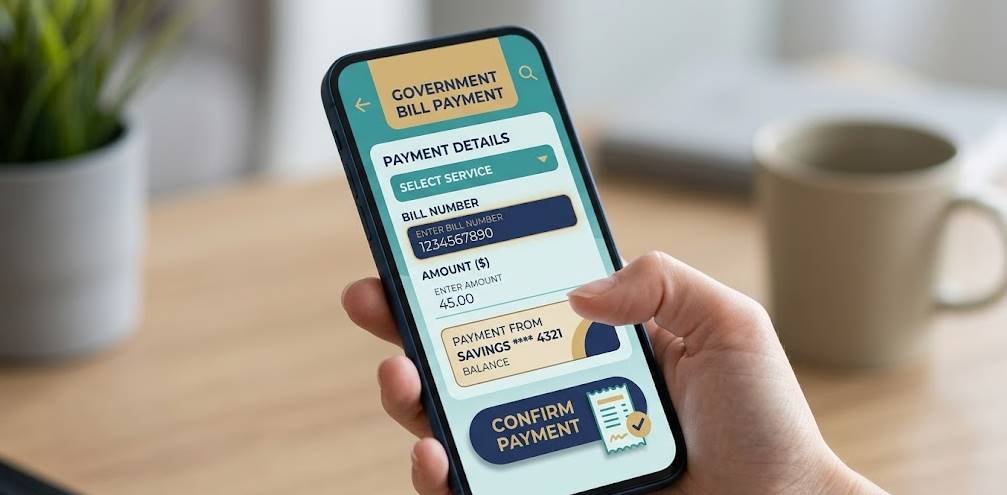
Quick answer:Sadad is Saudi Arabia's national bill-payment system, and almost all government fines run through it. Find the fine and its Sadad / bill number in Absher, then pay it in your bank app, online banking, or at an ATM by choosing the relevant government payment and entering the number. Keep the receipt and re-check in Absher to confirm it cleared.
What Sadad is
If you've lived in Saudi Arabia for any length of time, you've used Sadad even if you didn't know its name. It's the national electronic payment system that sits behind most government and utility bills, including traffic fines and many Iqama-related fees. Rather than paying each authority separately, you pay a Sadad (bill) number through your own bank — which is why the process feels the same whether you're settling a traffic fine or a service fee.
Find the fine first
Before you can pay, you need the fine's reference. The simplest route is Absher: open the violations section, select the fine, and note the amount and the Sadad/bill number. For the full walkthrough, see how to check traffic violations on Absher. Many fines can also be paid directly within Absher itself, which handles the Sadad step for you.
Ways to pay via Sadad
You have a few options — pick whichever is easiest for you:
Common ways to pay a fine through Sadad.
Method
How it works
Within Absher
Pay the fine directly; the Sadad step is handled for you
Bank app
Choose the government payment, enter the Sadad/bill number, confirm
Online banking
Same as the app, from a browser
ATM
Select bill/Sadad payment and enter the number
Stay safe: Only pay through your own bank or the official Absher platform. Never share card details or one-time codes with anyone who contacts you claiming to "collect" a fine — that's a scam.
Confirming payment
After paying, do two things: save the receipt (a screenshot or reference number is fine), and re-check the violation in Absher. A paid fine should stop showing as outstanding, although it can take a short while for records to update. Keeping proof matters in case you need to show a fine was cleared before, say, an Iqama renewal or exit visa.
Tip: If a paid fine still shows after a reasonable time, your receipt is your evidence — keep it until the record updates.
Frequently asked questions
What is Sadad?
Saudi Arabia's national electronic bill-payment system. Most government fees and fines are paid through it using a bill or Sadad number in your bank app, ATM or online banking.
How do I pay a traffic fine with Sadad?
Find the fine and its Sadad/bill number in Absher, then pay it in your bank app, online banking or at an ATM by selecting the government payment and entering the number.
How do I confirm it's paid?
Keep the receipt and re-check the violation in Absher; a paid fine should no longer show as outstanding, though it can take a short time to update.
Written by the IqamaDesk team. We explain Saudi payment systems and fines in plain language for expats.
Disclaimer: IqamaDesk is an independent informational website and is not affiliated with Absher, Sadad or the Saudi Ministry of Interior. Payment steps can vary by bank and change over time. Always pay through your own bank or official platforms, and never share security codes.